1. The Discount Comes Out of Profit
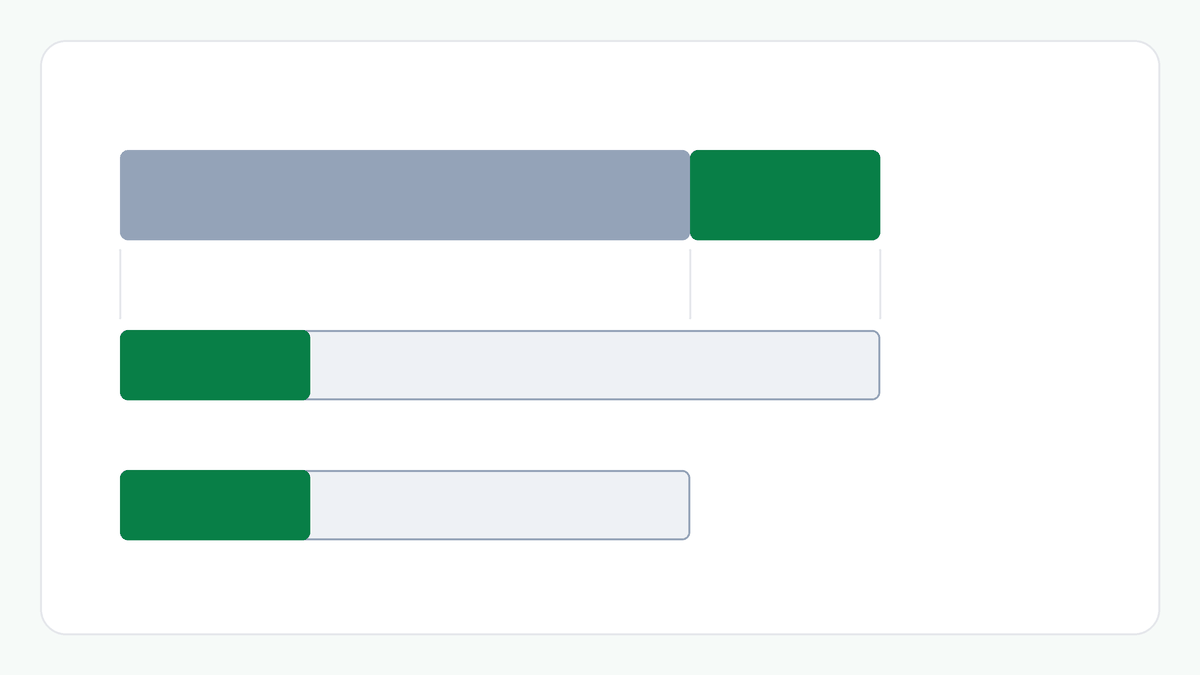
Take a unit that costs ₹600 and sells for ₹800. The profit is ₹200. The cost does not change when you offer a discount, so every rupee taken off the price is a rupee taken off the profit.
A 5% discount is ₹40, which is 20% of the ₹200 profit. A 10% discount is ₹80, 40% of the profit. A 20% discount is ₹160, 80% of the profit. At 25% off, the discount is ₹200: the whole profit.
2. How Much More You Would Need to Sell
If each sale earns less, earning the same total profit takes more sales. The multiple is the profit per unit before the discount divided by the profit per unit after it, with the cost per unit unchanged.
At 5% off (₹760.00) each unit earns ₹160.00, so you would need 1.25 times today's sales. At 10% off (₹720.00) it is ₹120.00 and about 1.67 times. At 15% off (₹680.00) it is ₹80.00 and 2.50 times. At 20% off (₹640.00) it is ₹40.00 and 5.00 times.
At 25% off the price is ₹600.00, equal to the cost, so each unit earns nothing. There is no finite number of sales that earns the same total profit, and the same is true of any larger discount.
3. A Higher Margin Can Afford More
The same discount costs less when the margin is higher, because there is more profit to take it from. Take the same ₹600 cost sold at ₹1,000, a 40% margin, so the profit is ₹400.
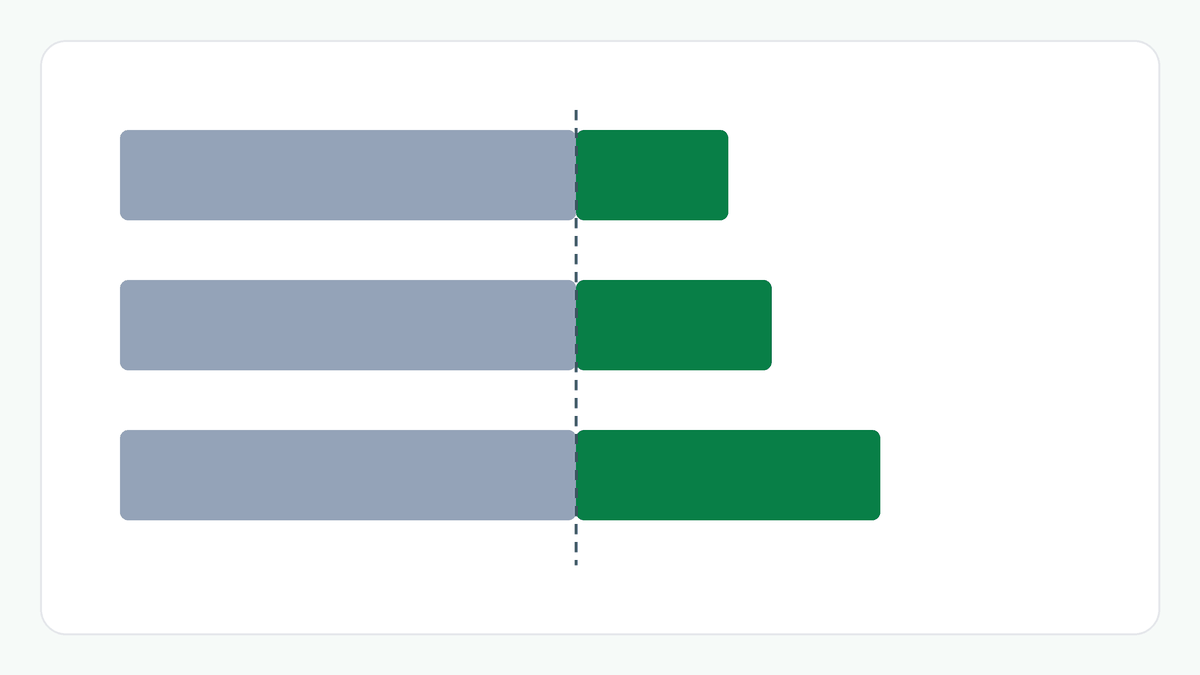
Now 10% off is ₹100, a quarter of the profit, and needs about 1.33 times today's sales. 20% off needs 2.00 times and 30% off needs 4.00 times. The ₹800 unit needed 5.00 times at 20% off, where the ₹1,000 unit needs 2.00 times.
4. What This Does Not Tell You
The multiple is a break-even on volume. It says how many sales would earn the same total profit under these assumptions. It does not say whether a discount will bring those sales, which depends on things this calculation cannot see.
It also leaves out overheads, fixed costs, tax and GST, returns and every other business cost, and it assumes the cost per unit stays the same. This article gives arithmetic, not a view on whether to offer a discount.
Example: A ₹600 Unit Sold at ₹800
At ₹800 the unit earns ₹200, a 25.00% margin. With 10% off the price is ₹720.00, the profit ₹120.00, the margin 16.67%, and the sales needed for the same total profit about 1.67 times today's. With 20% off the price is ₹640.00, the profit ₹40.00, the margin 6.25% and the sales needed 5.00 times.
At ₹1,000 the unit earns ₹400, a 40.00% margin. With 10% off it needs about 1.33 times today's sales, and with 20% off, 2.00 times.
The Bigger Picture
A discount is paid for out of the profit on each unit, so the thinner the margin, the more sales it takes to make up. Working the multiple out before a promotion shows the volume a discount has to win just to break even on total profit.
Things to Consider
- Compare a discount with the profit per unit, not with the price.
- Work out the sales multiple before offering a discount, and remember it is a break-even, not a forecast.
- Remember that a higher margin can absorb a larger discount.
- Remember that overheads, fixed costs, tax and returns are not in a per-unit figure.
Try the Margin Calculator
Enter your cost and selling price, then a discount, to see the profit per unit after it and how many times today's sales would earn the same total profit.
Frequently Asked Questions
Will a discount bring in enough extra sales?
The calculator cannot say. It only gives the number of times today's sales that would earn the same total profit. Whether a discount brings that many sales depends on the product and the market.
Why does the multiple grow so fast?
Because each rupee of discount comes out of a profit that is much smaller than the price. As the discount approaches the profit, the profit per unit approaches zero and the sales needed grow without limit.
What if the discount takes the price below my cost?
Each unit then sells at a loss, and no number of extra sales earns the same total profit. The calculator says there is no profit per unit and no finite number.
How were the figures calculated?
With the Margin Calculator: a cost of ₹600 at selling prices of ₹800 and ₹1,000, with discounts entered in the Discount field. You can reproduce them by entering the same values.
Related Articles
Explore more practical guides from ToolZen Hub.