Margin vs Markup: Why They Are Not the Same
See why a 25% markup is only a 20% margin, how to convert between the two, and the pricing mistake that mixing them up causes.
Set a selling price from a target margin or markup, see margin and markup side by side, and see what a cost change or a discount does to your profit.
Enter what one unit costs you, then choose what you want to work from. Results update as you type.
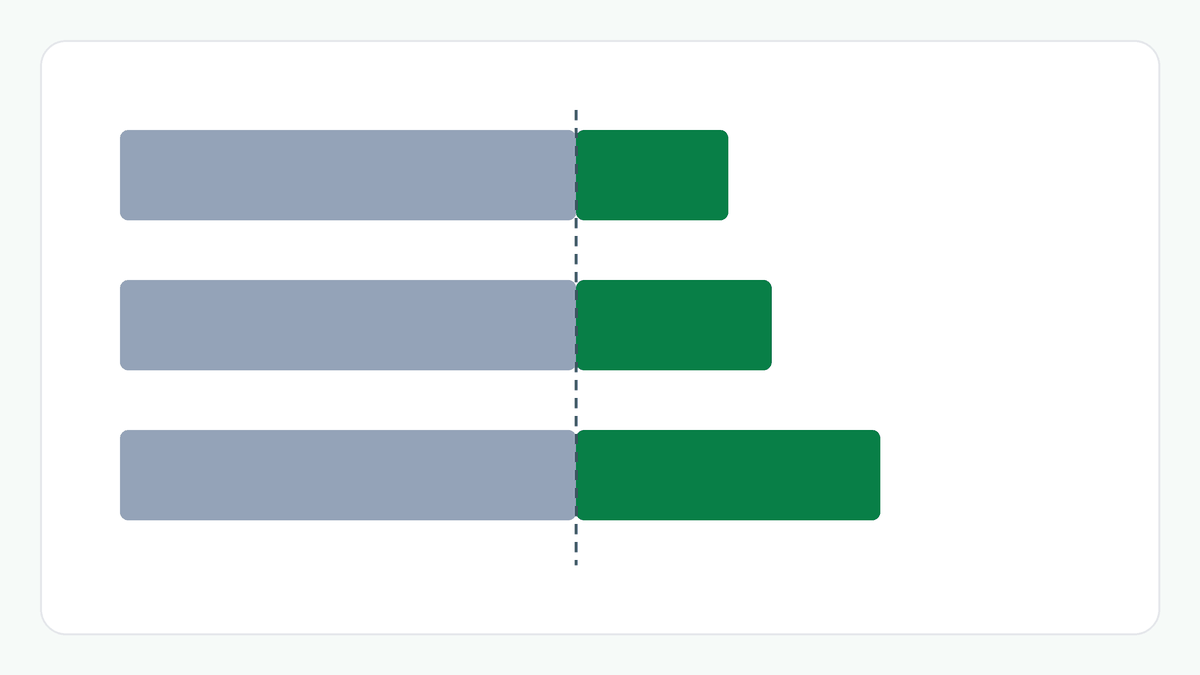
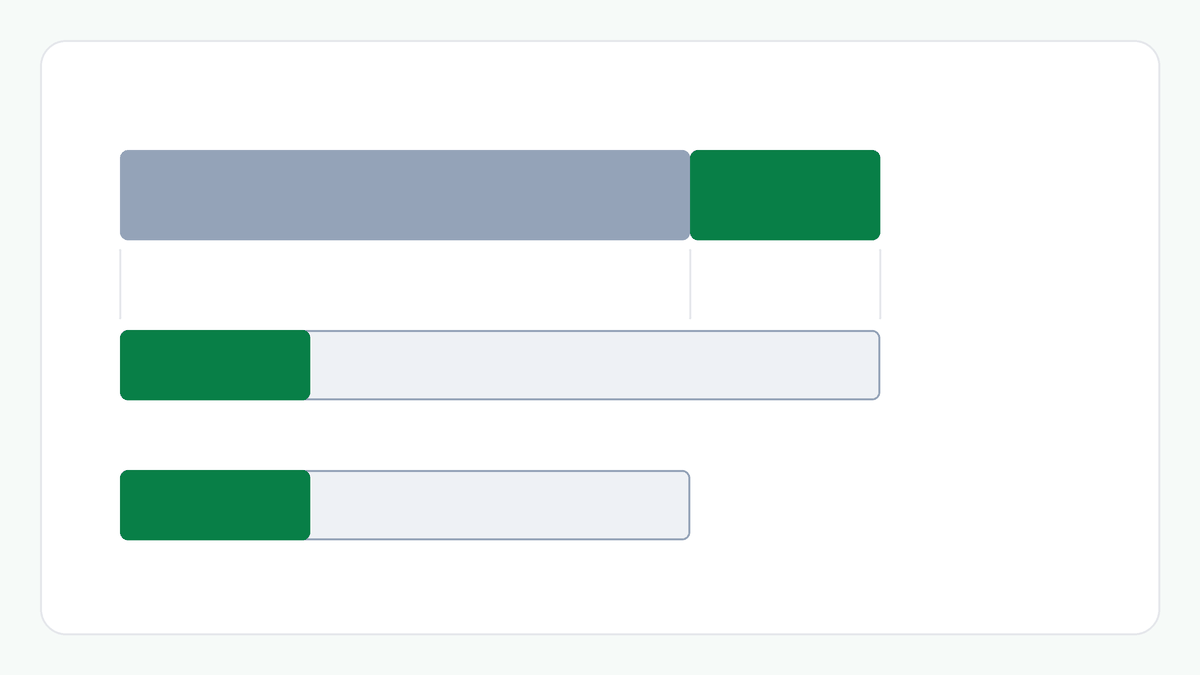
Margin and markup are not the same. Margin is profit as a share of the selling price; markup is profit as a share of the cost. A 25% markup is a 20% margin, which is why adding a margin percentage to the cost gives a lower price than the margin you meant.
A target gives you a price. The price for a target margin is the cost divided by one minus the margin. For a target markup it is the cost times one plus the markup. A price that needs rounding is rounded up to the next paisa.
A cost change moves your margin. The table shows the margin at your current price if the cost rises or falls, and the price that keeps the margin you have now.
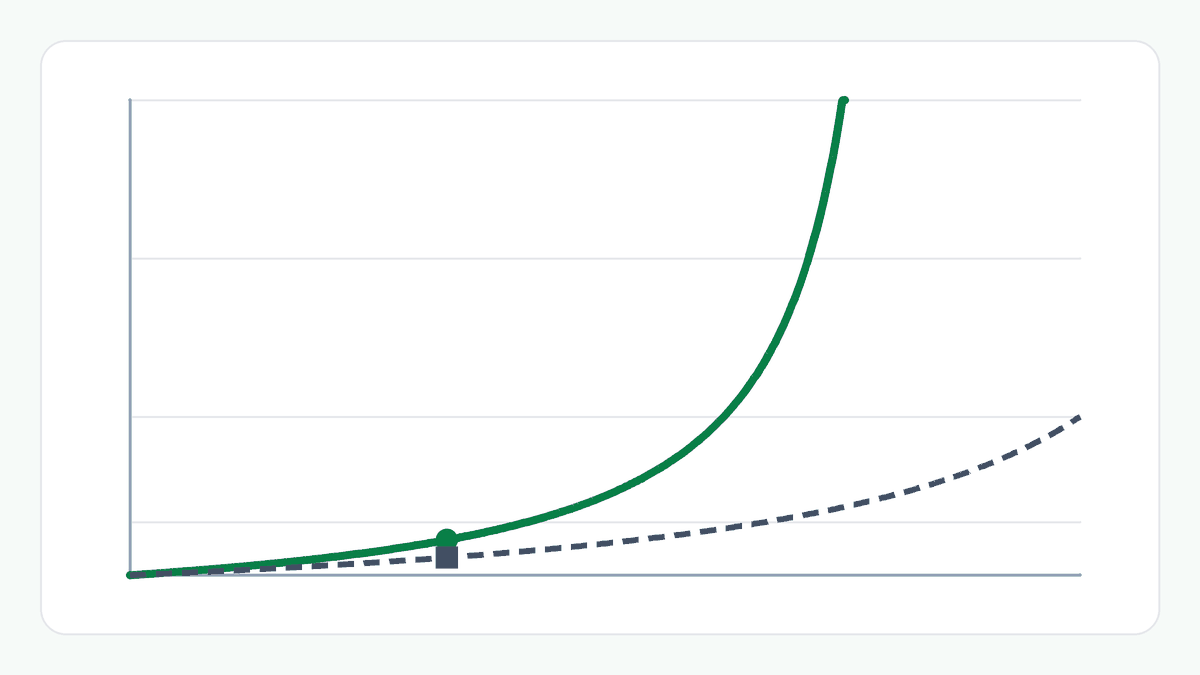
A discount is paid for in volume. A discount cuts the profit on every unit, so selling the same total profit takes more units. The calculator shows how many times today's sales that is, with the cost per unit unchanged.
This is arithmetic on the numbers you enter, not a prediction and not advice. See the disclaimer.
Take a cost of ₹600.00 a unit sold at ₹800.00. Each unit earns ₹200.00: a margin of 25.00% and a markup of 33.33%. To earn a 40% margin on the same cost you would charge ₹1,000.00. If the cost rises by 10%, the margin at ₹800.00 falls to 17.50%, and ₹880.00 would keep it at 25.00%. If you take 10% off ₹800.00, each unit earns ₹120.00, so you would need about 1.67 times today's sales to earn the same total profit.
profit = price - cost
margin = profit ÷ price, and markup = profit ÷ cost
From a target, the price is cost ÷ (1 - margin) for a margin, or cost × (1 + markup) for a markup, rounded up to the next paisa. Profit, margin and markup are then worked out from that rounded price.
When the cost changes, the price that keeps your margin is your price times the new cost divided by the old cost. With a discount, the sales needed for the same total profit are the profit per unit before the discount divided by the profit per unit after it.
Both describe the same profit. Margin compares it with the selling price and markup compares it with the cost, so markup is always the larger number when there is a profit. A ₹600 item sold at ₹800 has a 25% margin and a 33.33% markup.
A price is in whole paise. Rounding to the nearest paisa can leave the margin a hair below the target, so a price worked out from a target is rounded up and the margin and markup shown are those of the rounded price.
It is the number of times today's sales you would need at the discounted price to earn the same total profit, if the cost per unit stays the same. It is a break-even on volume. It does not say whether sales will rise.
No. It calculates the figures for the numbers you enter. What a margin has to cover depends on your overheads, fixed costs and other costs, which are not part of this calculation.
No. Enter the cost and the selling price without GST. No tax is calculated.