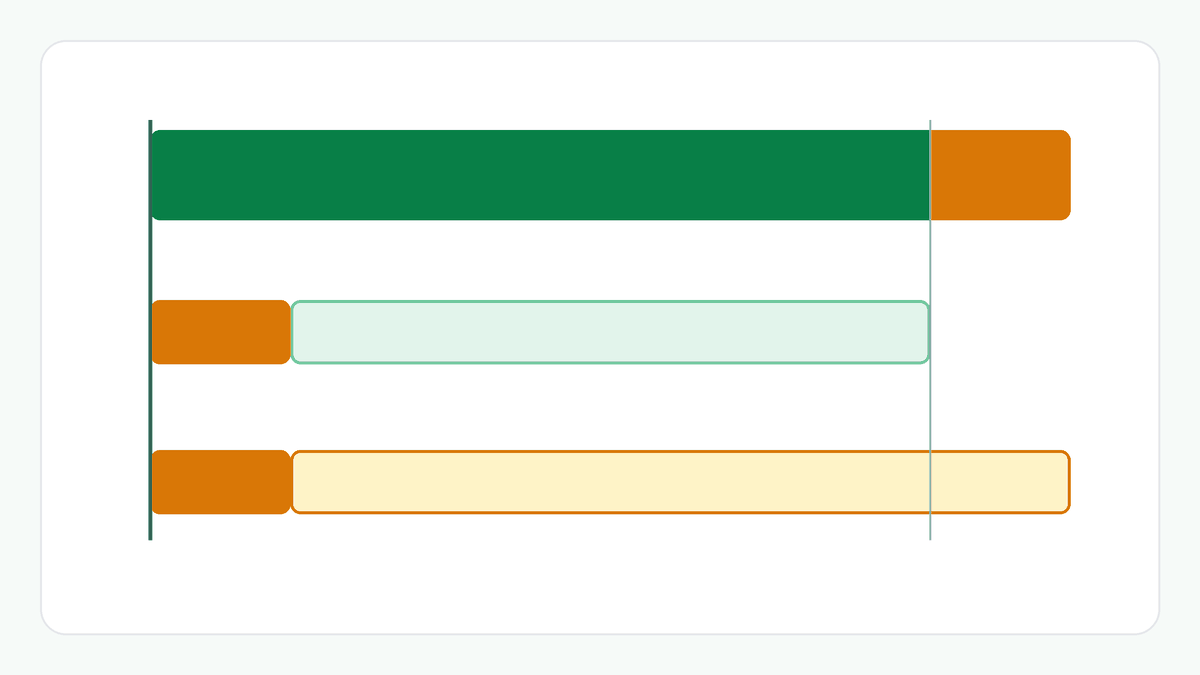
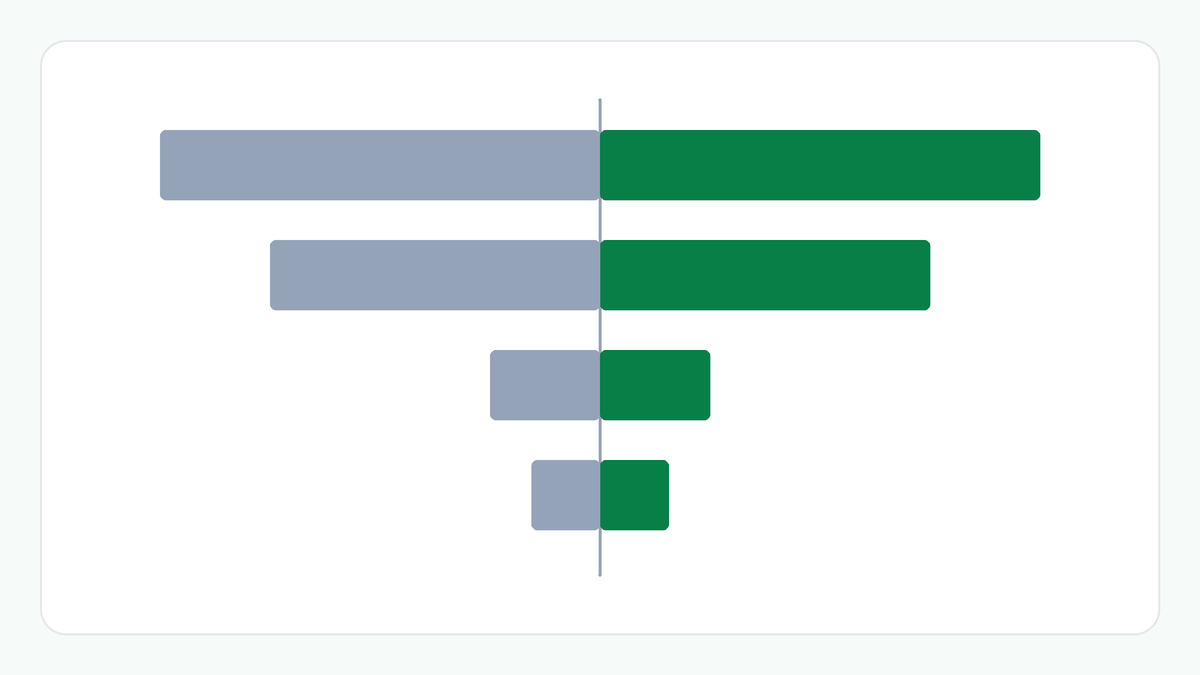
1. One Invoice, Two Rates
Suppose an invoice has three items before GST: ₹1,000.00, ₹2,000.00 and ₹500.00. Take an example rate of 5% for the first and an example rate of 18% for the other two.
A single rate applied to the whole invoice would be wrong for at least one item, so the GST has to be worked out per item.
2. Item by Item
The first item carries ₹50.00 of GST, which is ₹1,050.00 with GST. The second carries ₹360.00, which is ₹2,360.00. The third carries ₹90.00, which is ₹590.00.
Each item is worked out on its own and rounded to the nearest paisa, half up, before anything is added.
3. Grouped by Rate
Items at the same rate can be added together. The 5% row is ₹1,000.00 before GST with ₹50.00 of GST, or ₹1,050.00. The 18% row combines the second and third items: ₹2,500.00 before GST with ₹450.00 of GST, or ₹2,950.00.
The invoice total is the two rows added: ₹3,500.00 before GST, ₹500.00 of GST and ₹4,000.00 with GST. The GST is 12.50% of the final amount, which sits between the shares of the two rates.
4. Rounding Before Adding
Rounding to the paisa item by item can differ by a paisa from working out the GST once on the grand total. Three items of ₹10.10 at an example 5% each carry ₹0.505 of GST, which rounds to ₹0.51. Item by item the GST is ₹1.53. Worked out once on ₹30.30 it is ₹1.515, which rounds to ₹1.52.
The calculator rounds each item and then adds. Another billing system may round the grand total instead, so a total can differ by a paisa between systems.
5. What This Does Not Tell You
The figures use the rates you enter. They do not decide whether GST applies, which rate applies to an item, or how it is classified.
Place of supply, reverse charge, input tax credit, cess, returns and e-invoicing are not included. This is a calculation from the numbers you enter, not tax advice.
Example: Three Items at Two Example Rates
₹1,000.00 at 5%: ₹50.00 of GST. ₹2,000.00 at 18%: ₹360.00. ₹500.00 at 18%: ₹90.00.
By rate: 5%, ₹1,000.00, ₹50.00, ₹1,050.00. 18%, ₹2,500.00, ₹450.00, ₹2,950.00. Total: ₹3,500.00, ₹500.00, ₹4,000.00.
The Bigger Picture
An invoice total is built from its items. Working item by item, grouping by rate and adding last keeps every figure traceable to a line you can check.
Things to Consider
- Work out the GST on each item with that item's own rate.
- Group items by rate before reading the subtotals.
- Remember that rounding item by item can differ by a paisa from rounding the total.
- Remember that the rates are the ones you enter, and that this is not tax advice.
Try the GST Calculator
Enter up to four items, each with an amount and a rate, to see the tax grouped by rate and the invoice total.
Frequently Asked Questions
Why group the items by rate?
Because the GST on each group follows one rate, so each row of the table can be read and checked on its own before the total.
Why can my total differ by a paisa from another system?
This calculator rounds each item to the paisa and then adds. Some systems round the grand total instead, and the two can differ by a paisa.
Does this say which rate to use for an item?
No. You enter the rate for each item. The calculator does not know which rate applies to a product or a service.
How were the figures calculated?
With the GST Calculator in Add GST mode, using ₹1,000.00 at 5% and ₹2,000.00 and ₹500.00 at 18%. You can reproduce them by entering the same values.
Related Articles
Explore more practical guides from ToolZen Hub.