Adding and Removing GST: Why the Tax Is Not the Same Share Both Ways
Work one example both ways to see why taking the rate off a GST-inclusive total gives the wrong amount, and why the tax is a smaller share of the final amount.
Add GST to an amount or take it out of one, for the rate you enter, across up to four items, with the tax by rate.
Choose what you are starting from, then enter the amount and the rate. Results update as you type.
Adding GST. The GST is the rate applied to the amount before GST. The amount with GST is the two added together.
Removing GST. The amount with GST is the amount before GST plus the GST, so the amount before GST is not found by subtracting the rate from the total. ₹1,180 less 18% would give ₹967.60; the amount before GST is ₹1,000.00 and the GST is ₹180.00.
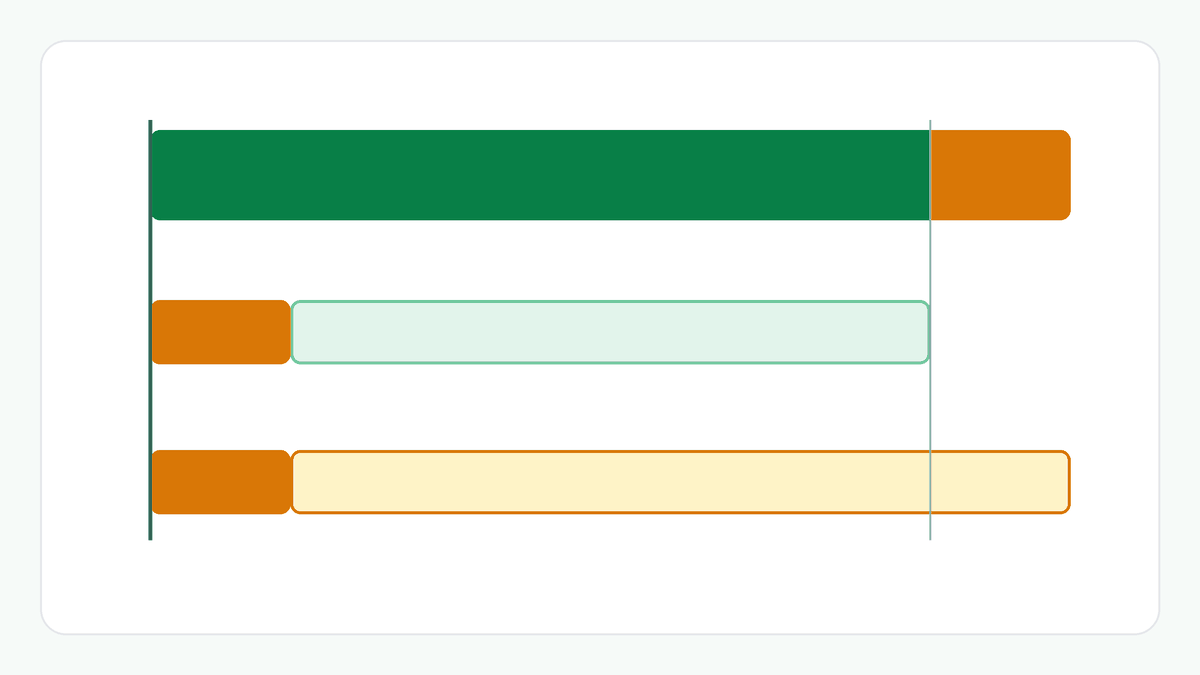
The GST as a share of the final amount is the GST divided by the amount with GST. It is smaller than the rate you entered, because the rate applies to the smaller amount before GST.
Several items. Each item is worked out and rounded to the paisa on its own, and the totals add the items. The table groups them by rate.
This is arithmetic on the numbers you enter, not tax advice. See the disclaimer.
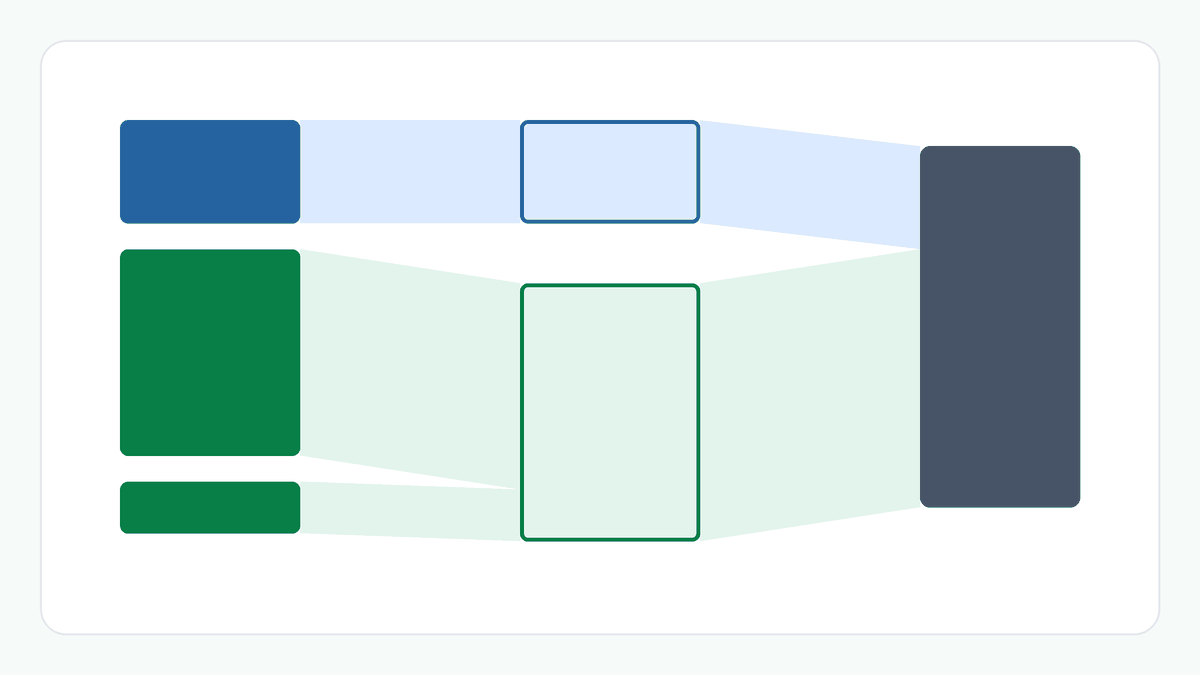
Take ₹1,000.00 before GST at an entered 18% rate. The GST is ₹180.00 and the amount with GST is ₹1,180.00, so the GST is 15.25% of the final amount. Going back, ₹1,180.00 including GST at 18% contains ₹1,000.00 before GST and ₹180.00 GST. For three items of ₹1,000.00, ₹2,000.00 and ₹500.00 before GST, the first at 5% and the others at 18%, the GST is ₹50.00 at 5% and ₹450.00 at 18%: ₹500.00 in all, and ₹4,000.00 with GST.
Adding: GST = amount before GST × rate ÷ 100, rounded to the paisa. Amount with GST = amount before GST + GST.
Removing: the amount before GST is the whole paisa nearest to amount with GST × 100 ÷ (100 + rate), and the GST is what is left, so the two always add up to the amount you entered.
GST as a share of the final amount = GST ÷ amount with GST. Totals add the items, each rounded on its own.
Choose Remove GST and enter the price with GST and the rate. The calculator divides by one plus the rate, not subtracts the rate: ₹1,180 at 18% is ₹1,000.00 before GST and ₹180.00 of GST.
The rate applies to the amount before GST. The final amount is larger, so the same GST is a smaller share of it: ₹180 is 18% of ₹1,000 but 15.25% of ₹1,180.
In testing, yes: every amount from ₹0.01 to ₹2,000.00, at seven different rates, came back exactly. That is the range that was checked.
This calculator rounds each item to the paisa and then adds the items. Some systems round the grand total instead, and the two can differ by a paisa.
No. You enter the rate. This calculator does not know which rate applies to a product or a service.