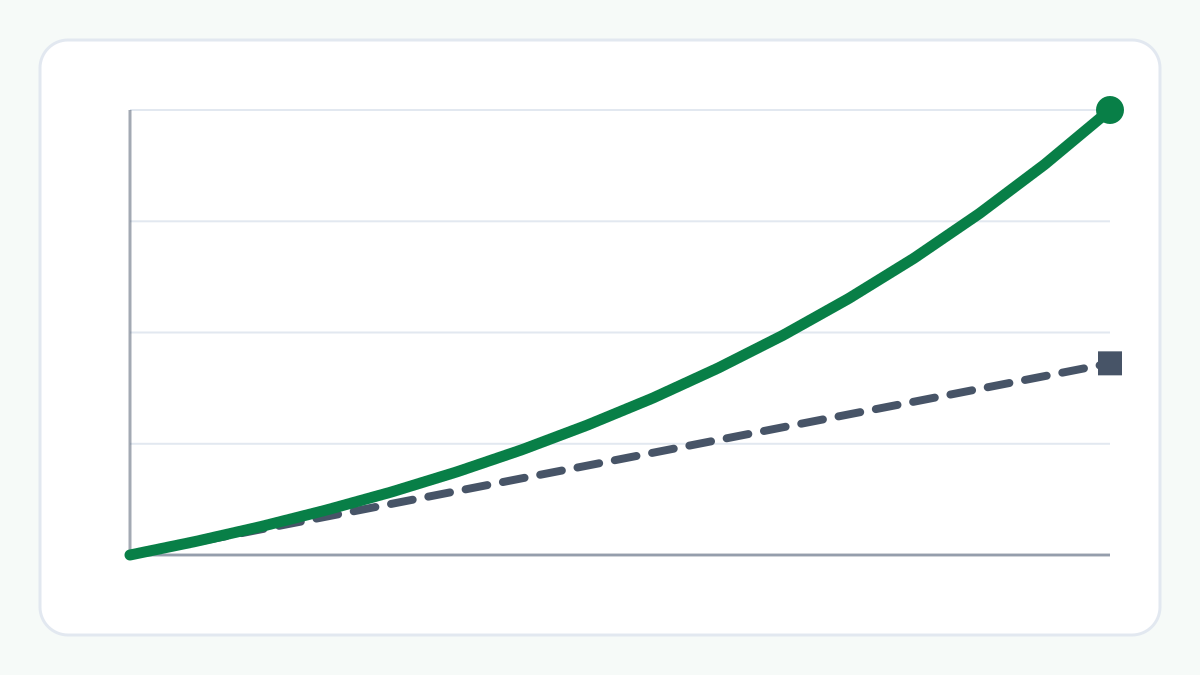
How a SIP Grows: Your Investment vs Estimated Growth
See how a SIP projection splits into what you invest and the estimated growth, year by year, on one worked example.
Estimate the balance of a Public Provident Fund account from a yearly or monthly deposit, the interest rate you enter and the number of years. It follows the PPF rule that interest is worked out monthly and added once a year. It is a projection from your inputs, not a statement of any account.
Choose how you would deposit, then enter the amount, the interest rate that applies to you and the number of financial years. The values you enter are not stored or sent anywhere.
The inputs have changed since this result was worked out. Press Calculate to update it.
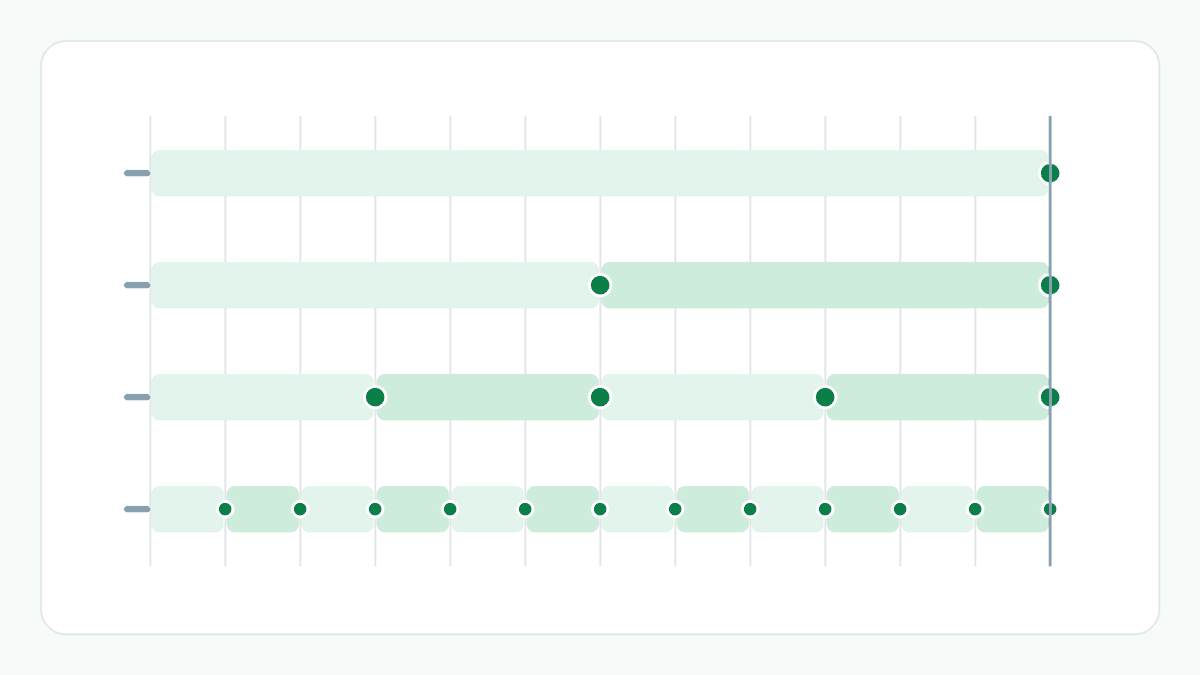
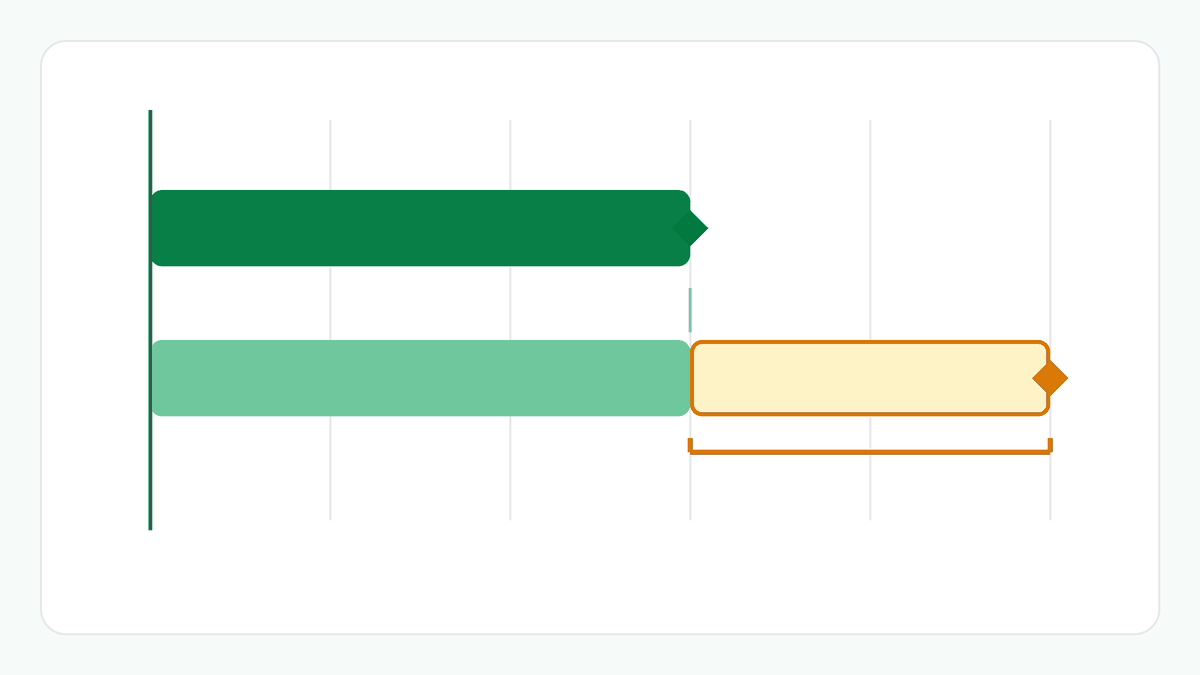
Under the Public Provident Fund Scheme, interest is worked out for each calendar month on the lowest balance in the account between the close of the 5th day and the end of the month, and it is added to the account once, at the end of each financial year (31 March). A deposit made on or before the 5th earns interest for that month; one made after the 5th starts earning in the next month.
This is why the timing matters. One deposit in April is in the account for all twelve months of the year. The same total paid in twelve monthly deposits is in the account for fewer months, so it earns less. The tool divides the annual rate you enter by 12 for each month. The Post Office's procedural rules count a deposit made up to the 5th of a month, whether by cash, cheque, draft or electronic mode; check how your bank or post office treats yours.
A deposit must be at least ₹500 and at most ₹1,50,000 in a financial year, in multiples of ₹50. The ₹1,50,000 limit includes your own account and any account you open for a minor. Deposits can be a lump sum or in instalments, and the Scheme sets no number of instalments. A monthly deposit here can be ₹50 to ₹12,500, so twelve of them stay within the limit.
An account matures 15 years after the end of the financial year in which it was opened. For an account opened in April 2026 that is 31 March 2042, the end of its 16th financial year, which is why this tool starts at 16 years. After maturity the holder may extend the account with deposits in blocks of five years by applying within a year, or keep it without deposits.
Years beyond 16 are projections that assume the account is extended with deposits. The table names the end of the first term (year 16) and the end of each extension block (years 21, 26, 31 and so on); no other year is a date on which the account can be closed in full. Whether you can extend, and on what terms, is a matter for your own account.
The rules described on this page come from the Public Provident Fund Scheme, 2019 (G.S.R. 915(E), 12 December 2019) as amended by G.S.R. 290(E) of 5 May 2020, and Department of Posts S.B. Order 08/2020, read on 13 October 2026. Rules and rates change: check the current Scheme and your own bank or post office before relying on them.
The Scheme counts 15 years from the end of the financial year in which the account was opened. An account opened in April therefore has 16 financial years in its first term. You can choose any number of years from 1 to 50; 16 is only where the first term ends.
Interest is worked out each month on the lowest balance after the 5th. A deposit made in April is in the account for all twelve months of the year, while the same total paid monthly is in the account for fewer months. The comparison states the difference; it is not advice about when to deposit.
No. It is only an example to start with. The Government sets the PPF rate and reviews it every quarter, so enter the rate that applies to you.
Possibly not to the rupee. This tool works from unrounded figures and shows whole rupees, and it does not know how interest is rounded in practice. It also assumes the rate stays the same and that the account was opened in April.
It is shown when the yearly total can be split into twelve whole-₹50 monthly deposits, which means a multiple of ₹600, because every deposit must be a multiple of ₹50.
No. The figures are worked out in your browser, nothing is stored or sent to ToolZen Hub, and no account details are asked for. Reloading the page clears everything.